.png)
.png)


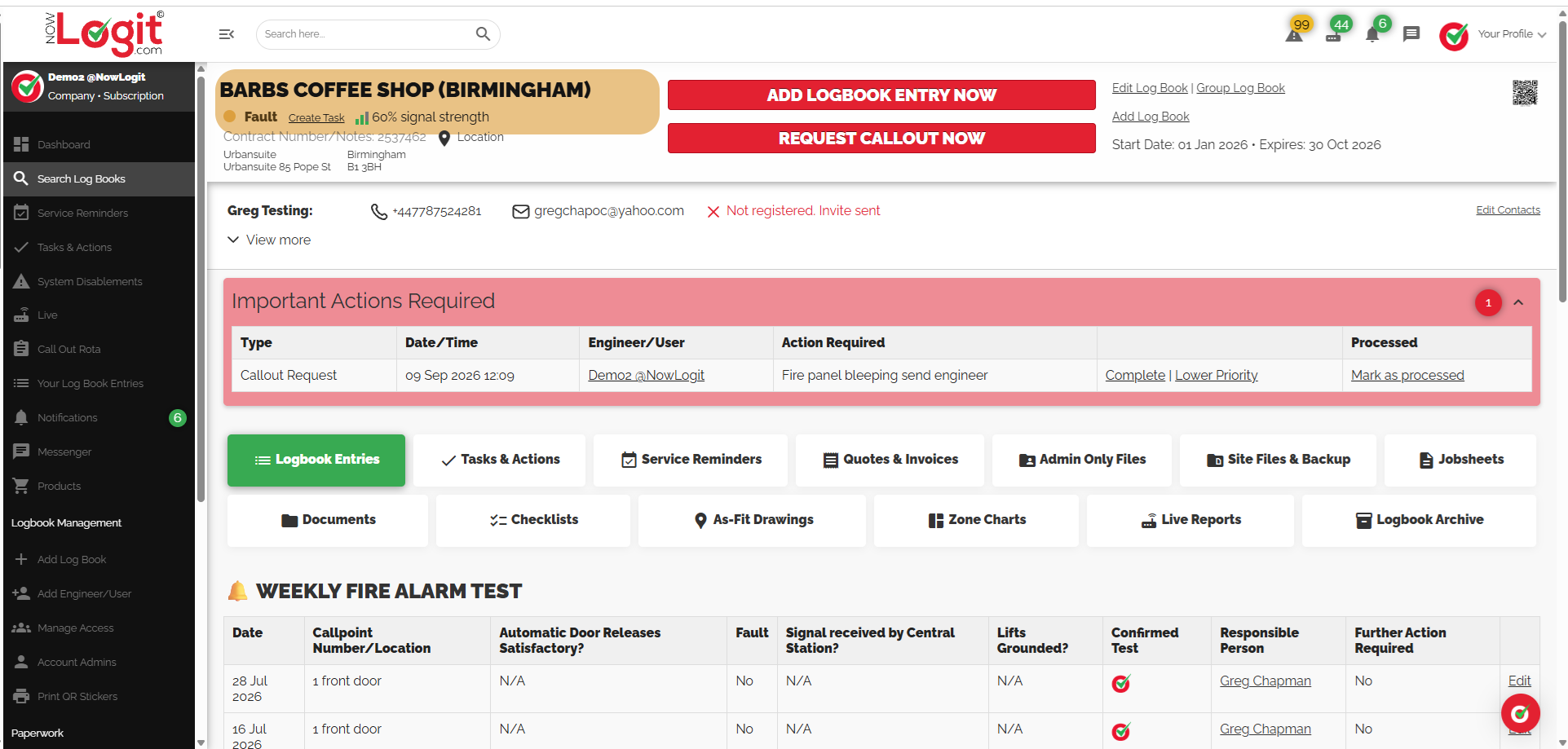
01 / FIRE SAFETY
Fire Safety Logbooks
For fire safety checks, tests, maintenance visits and the follow-up work that belongs with the site.
Customer-branded example · Wessex Fire & Security
PRODUCTS / DIGITAL LOGBOOKS
Fire Safety. Security. General.Three types of paperless logbook for your checks, visits and everything in between. Keep the site history and supporting files together, on mobile and desktop.
£5 + VAT per logbook / year Custom QR sticker design & print included.
THREE TYPES. ONE CLEAR RECORD.
Choose Fire Safety, Security or General Logbooks. Keep the checks and records relevant to the work you do.
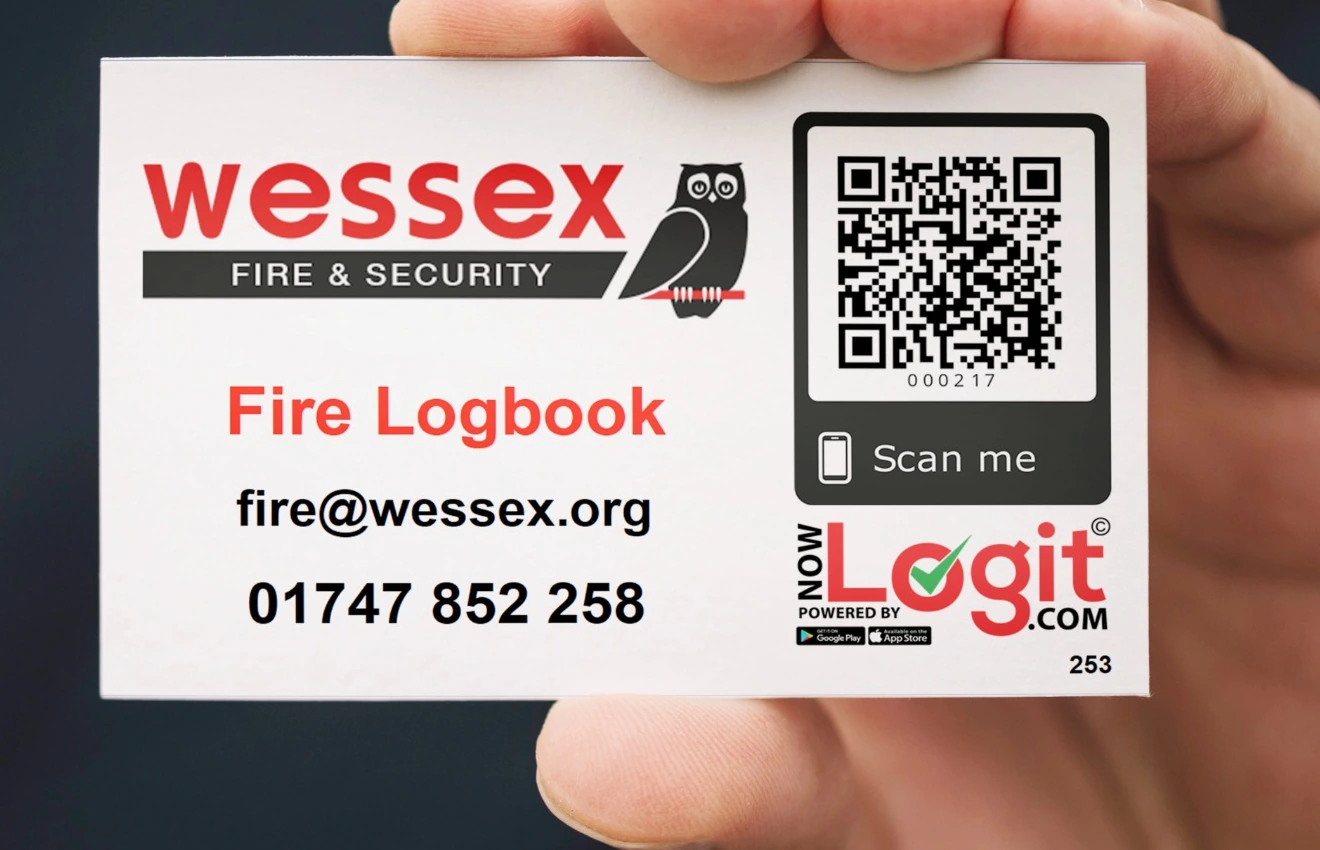
01 / FIRE SAFETY
For fire safety checks, tests, maintenance visits and the follow-up work that belongs with the site.
Customer-branded example · Wessex Fire & Security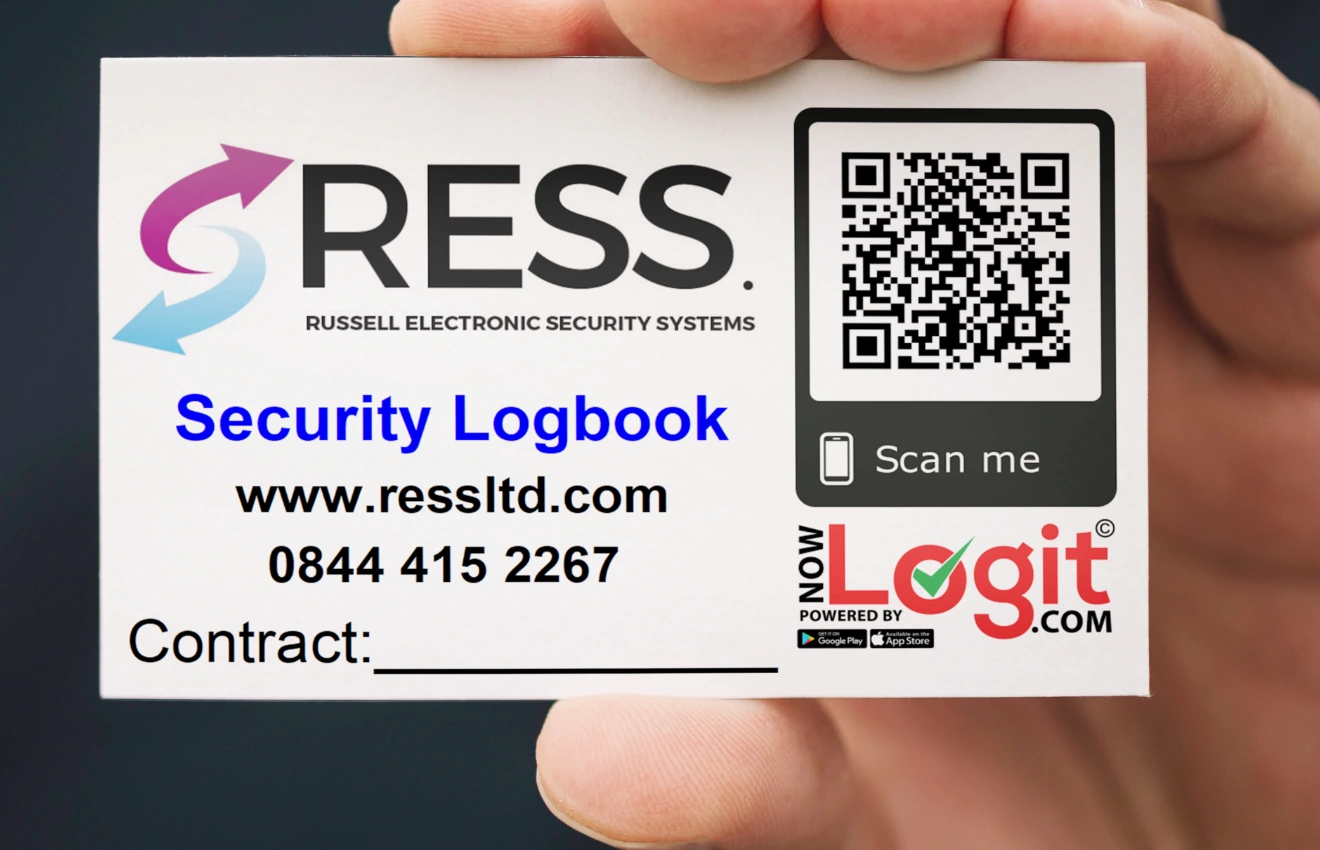
02 / SECURITY
Keep security-system checks, service visits and supporting records together in the right logbook.
Customer-branded example · RESS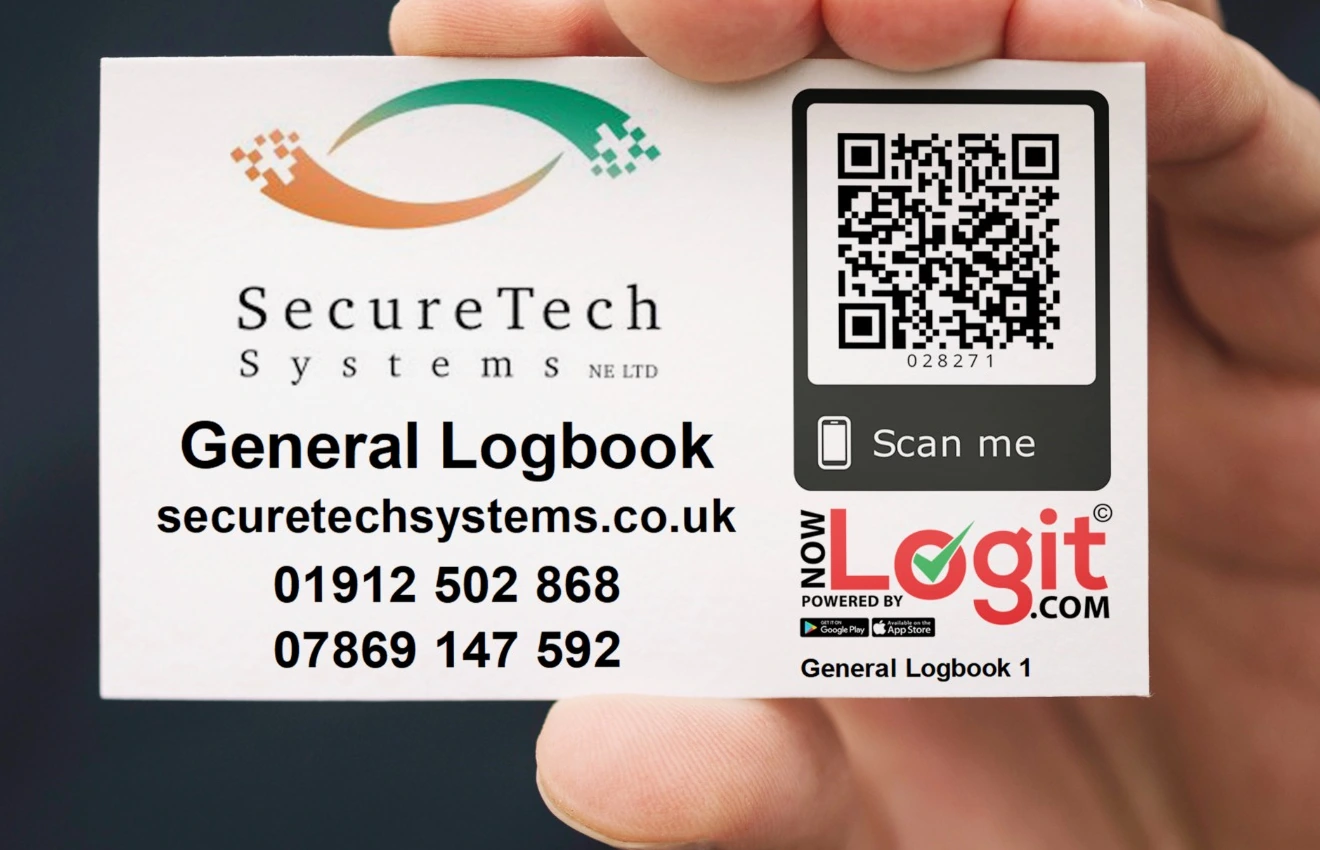
03 / EVERYTHING IN BETWEEN
For equipment, maintenance and other site records that sit outside fire safety and security.
Customer-branded example · SecureTech SystemsWe design your branded QR sticker for free, and the print is included in your logbook price.
CAPTURE THE VISIT
Open your site logbook in the app, select the relevant entry type and record the result. Keep observations and further actions with the site record.
Use your QR code or search for the logbook.
Record the check or work carried out, with the fields available in V1.
Flag further action for office or site users to review.
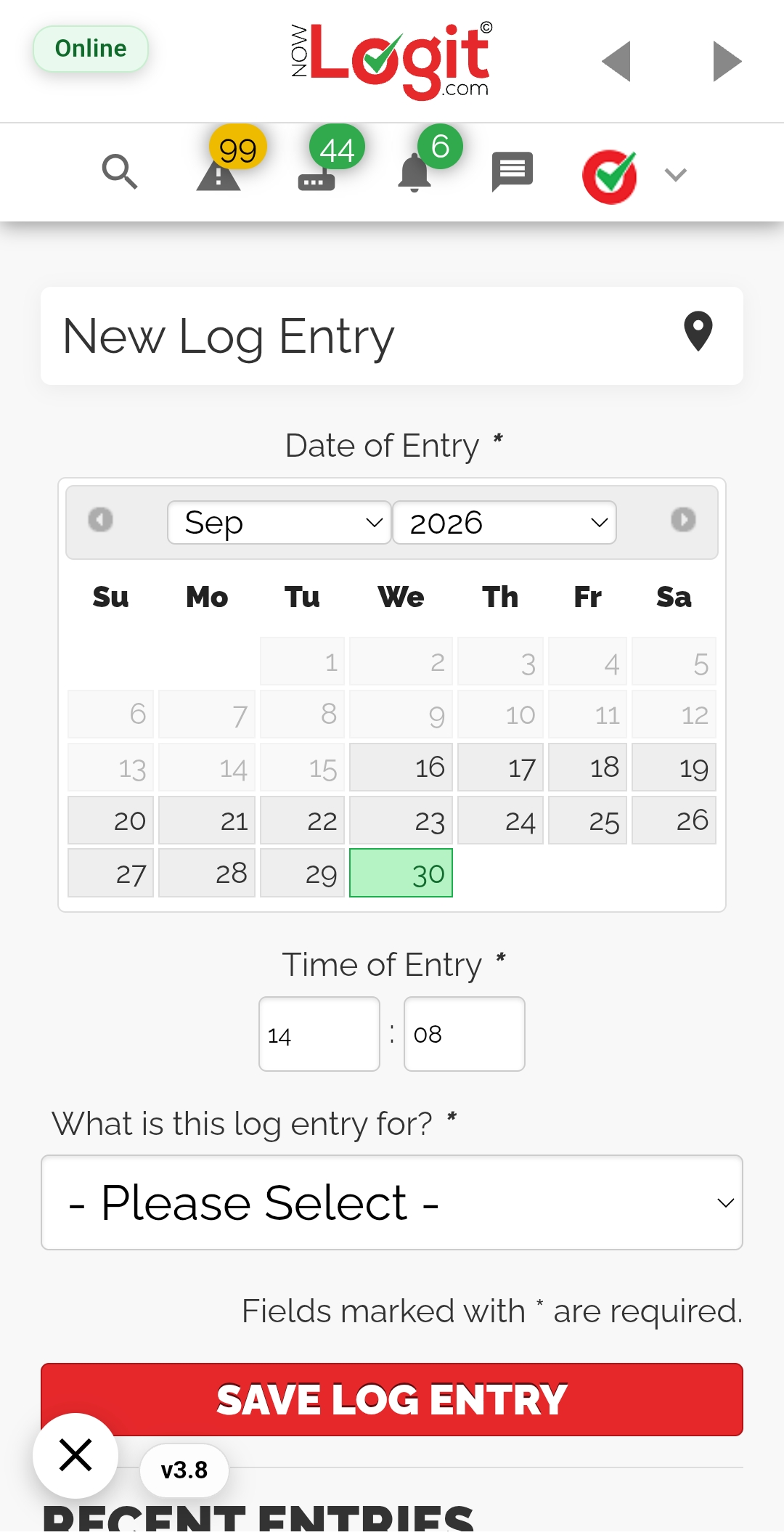
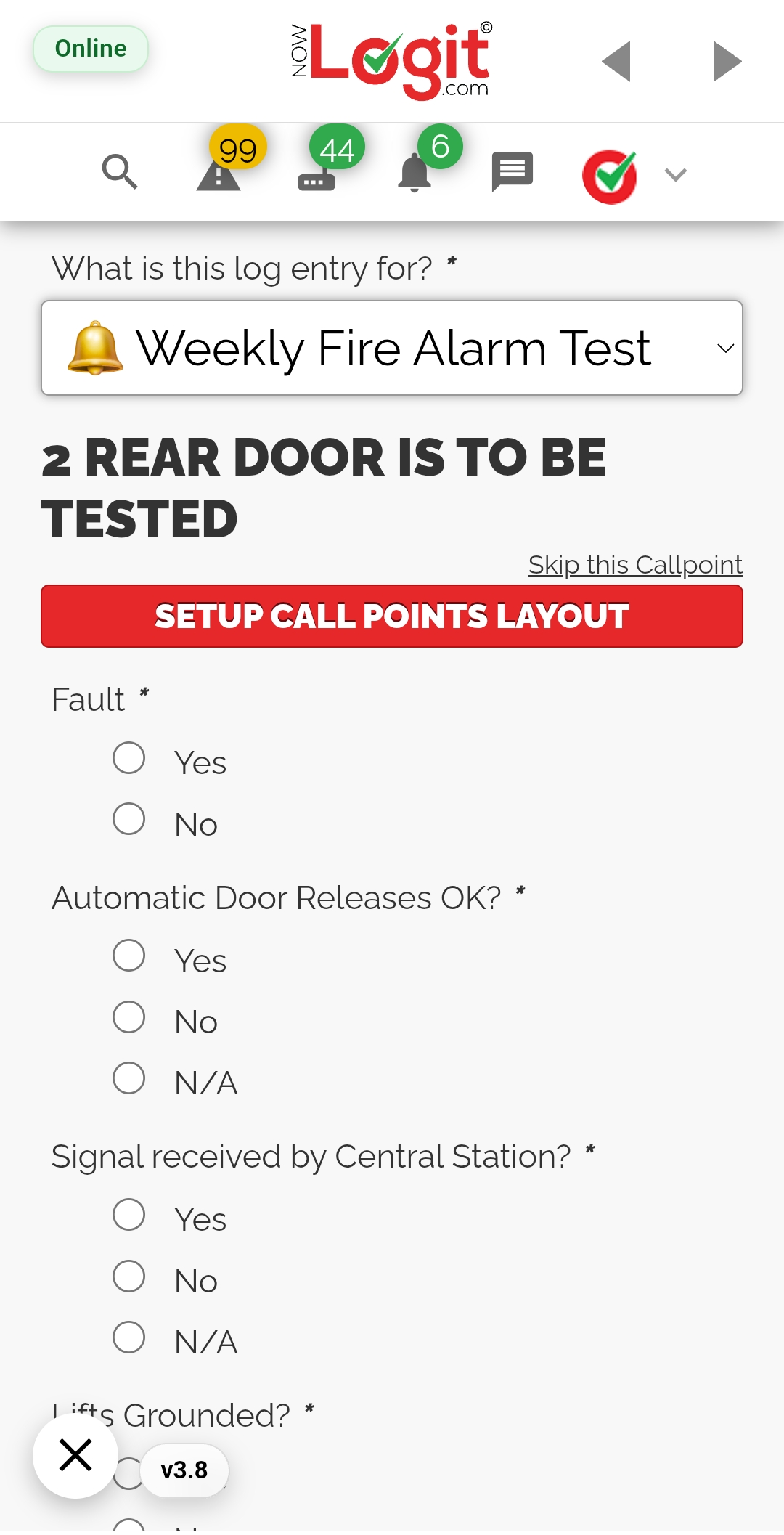
New entry and weekly test - original V1 app screens.
RECORDS THAT FIT THE SITE
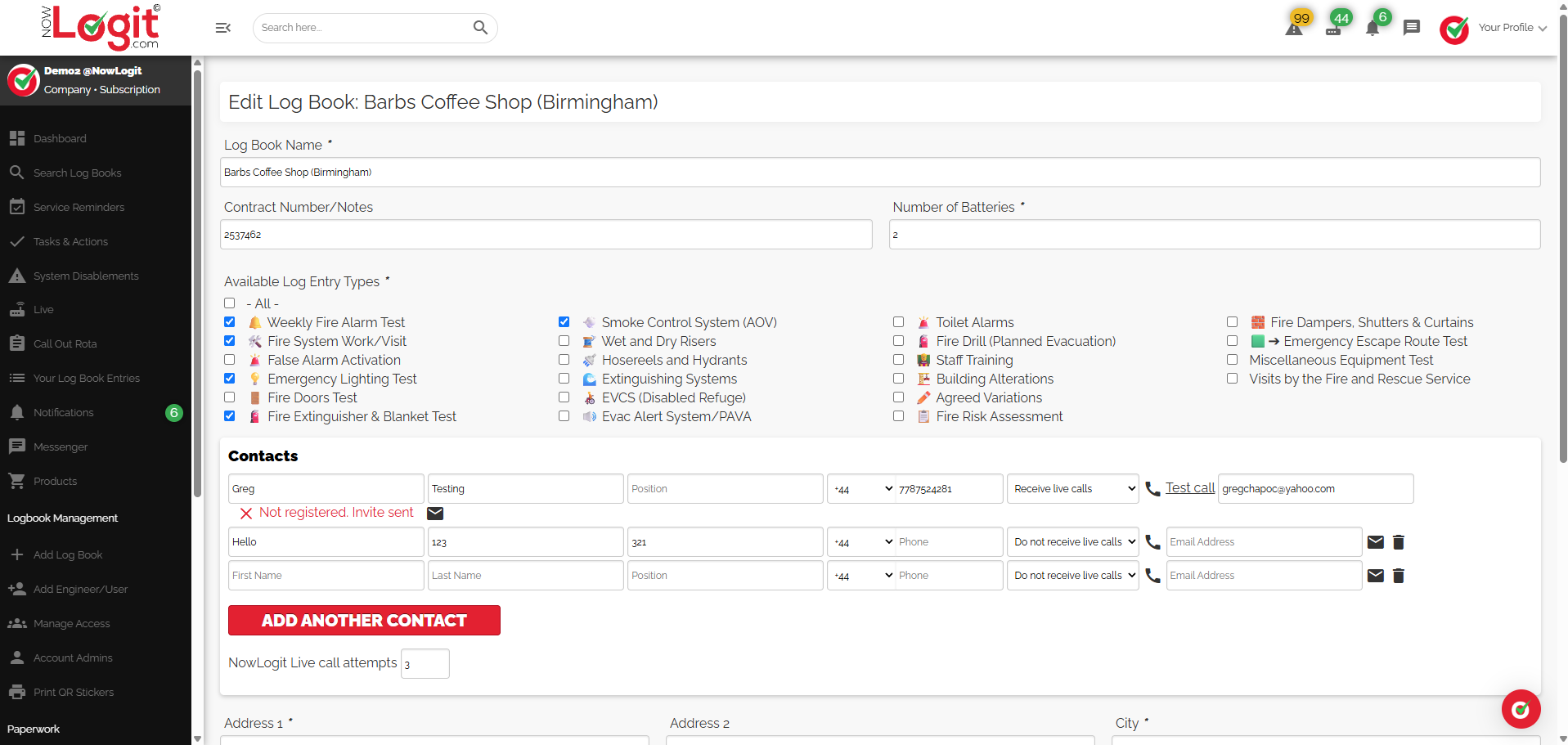
Configure the relevant fire safety, security or general entry types for each logbook. Keep the setup focused on the checks and work that apply to the site.
Use available entry types and logbook settings.
Group logbooks for customers, buildings or estates.
A USEFUL RECORD OVER TIME
Look back at previous logbook entries before the next visit. Open an entry to see the work recorded, the engineer or user, and whether further action was noted.
Review the site history rather than starting from scratch at every visit.
Read the recorded work and the outcome in the original entry.
Keep the next visit informed by the work already recorded.
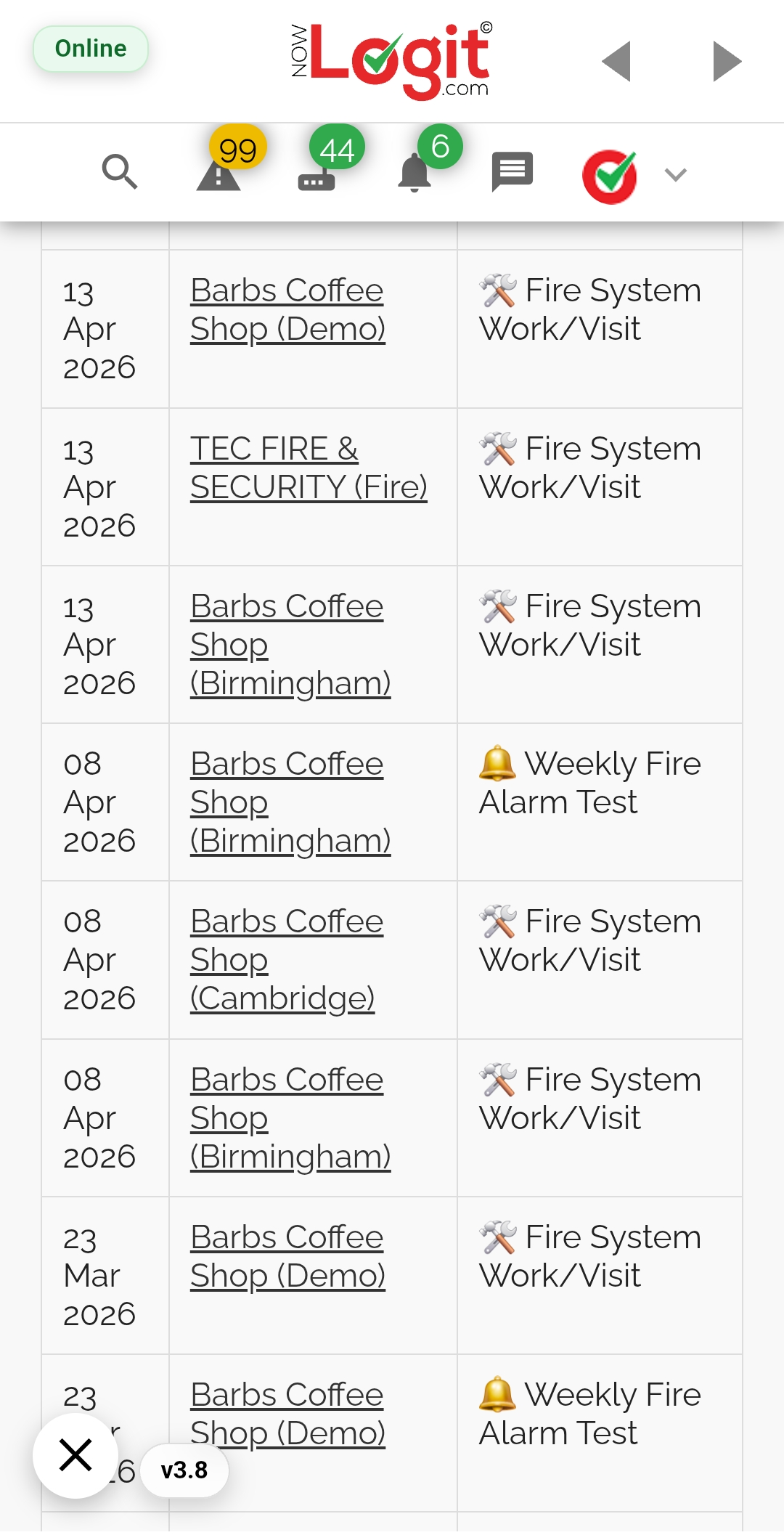
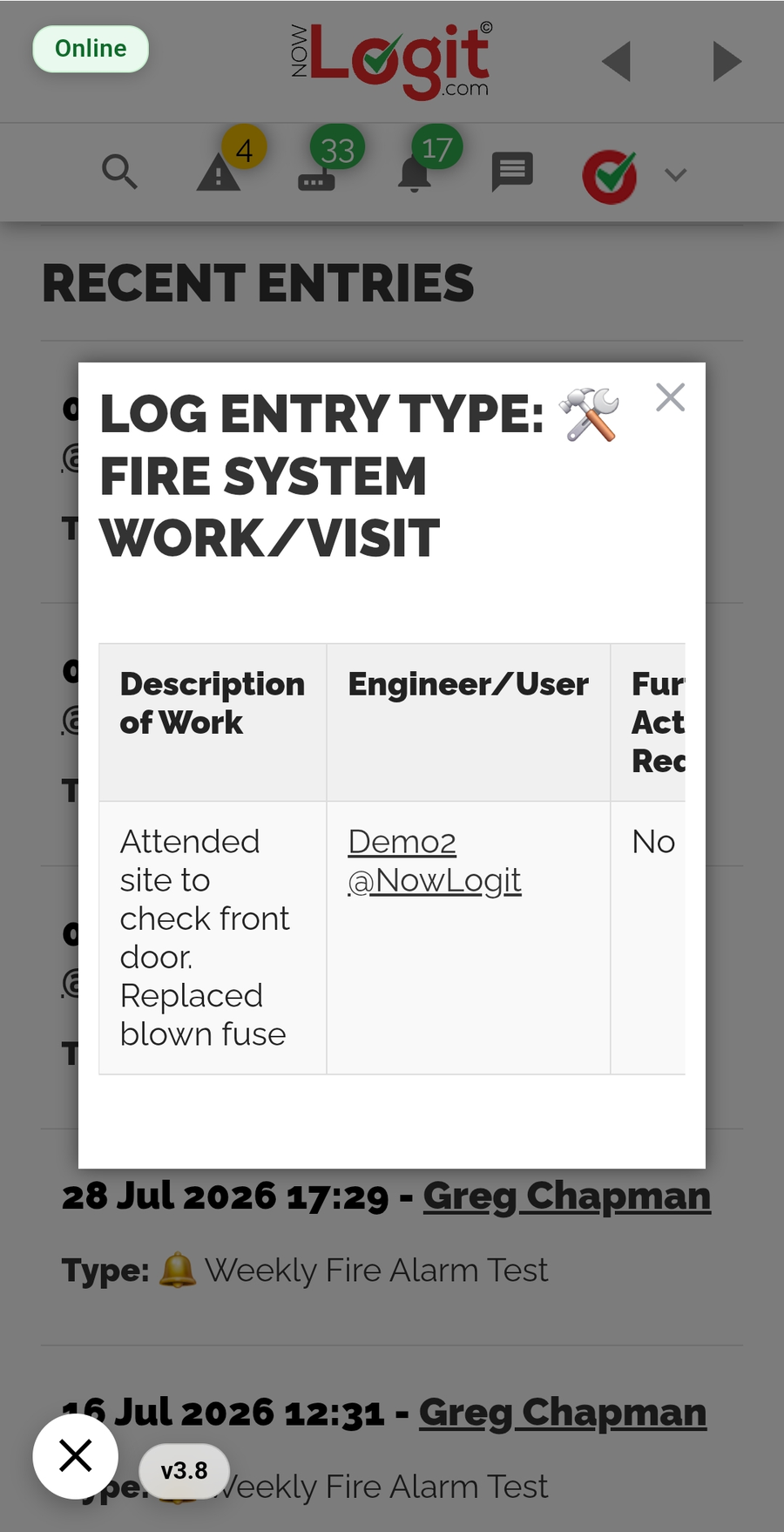
Real V1 app screens. Select a screen to enlarge it.
MORE THAN A LIST OF VISITS
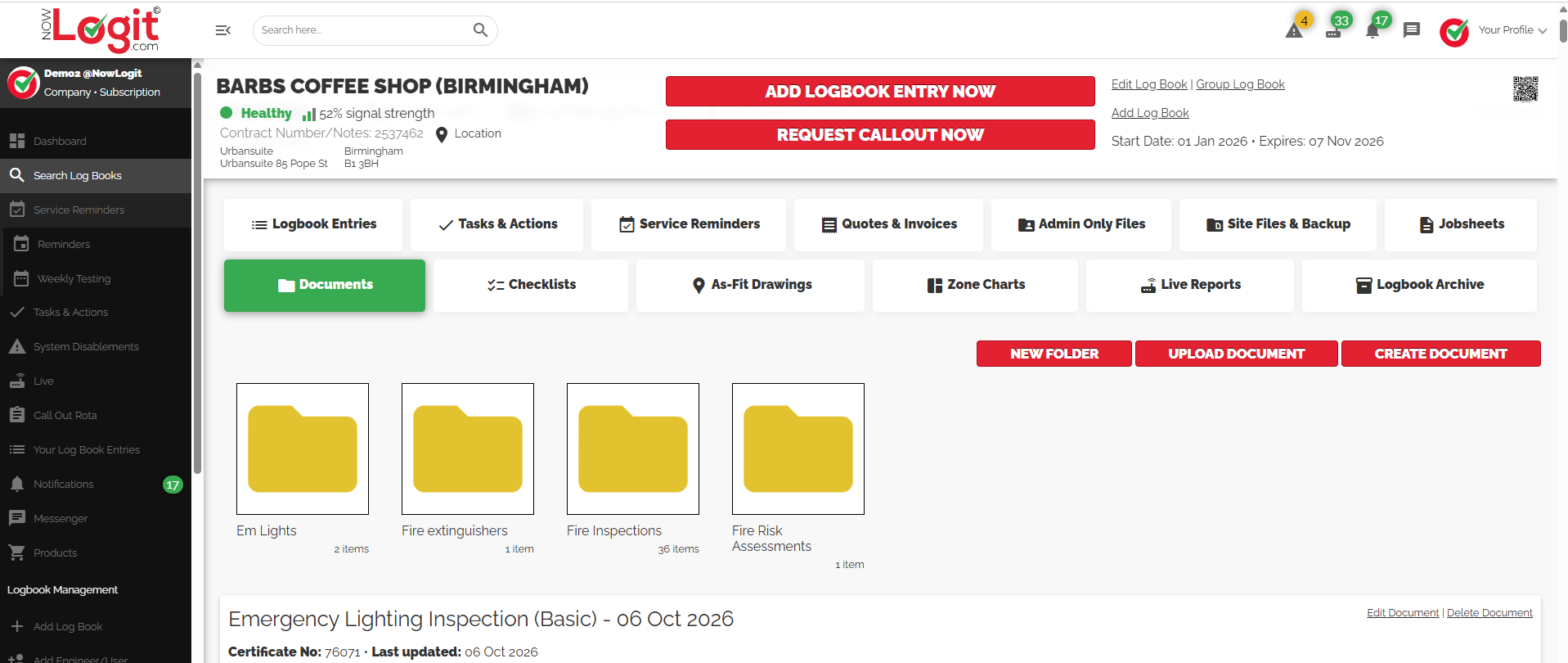
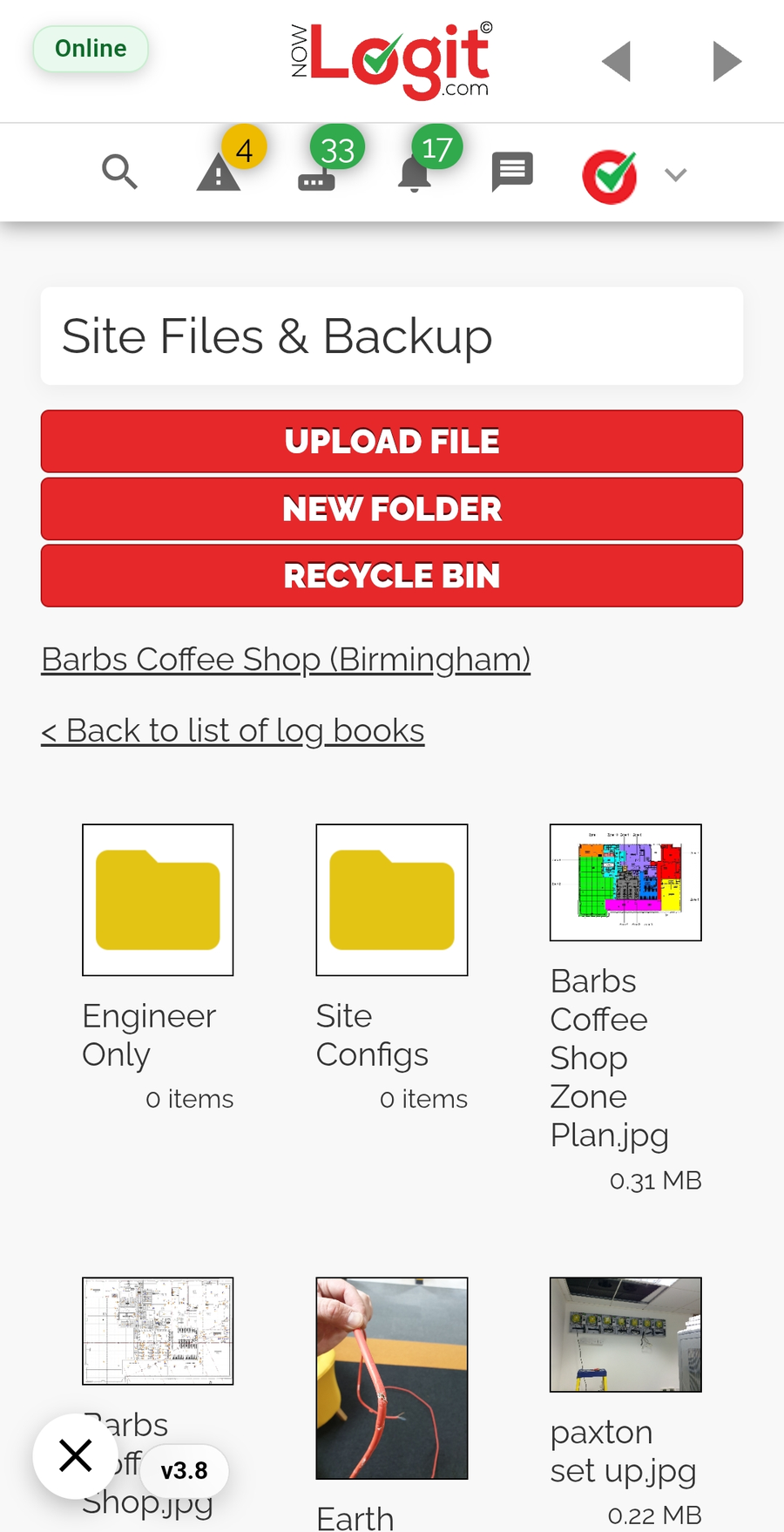
Add site-specific files such as as-fit drawings, zone charts, system configurations, manuals and photographs. Organise supporting information in folders so it is there for the next visit.
Bring the information about the installation together with the logbook.
Store existing certificates and other paperwork even with a logbook-only account.
Uploading existing paperwork is included with Digital Logbooks. Creating certificates, job sheets and other service documents within NowLogit is a separate Service Management feature.
THIS YEAR. LAST YEAR. THE YEARS BEFORE.
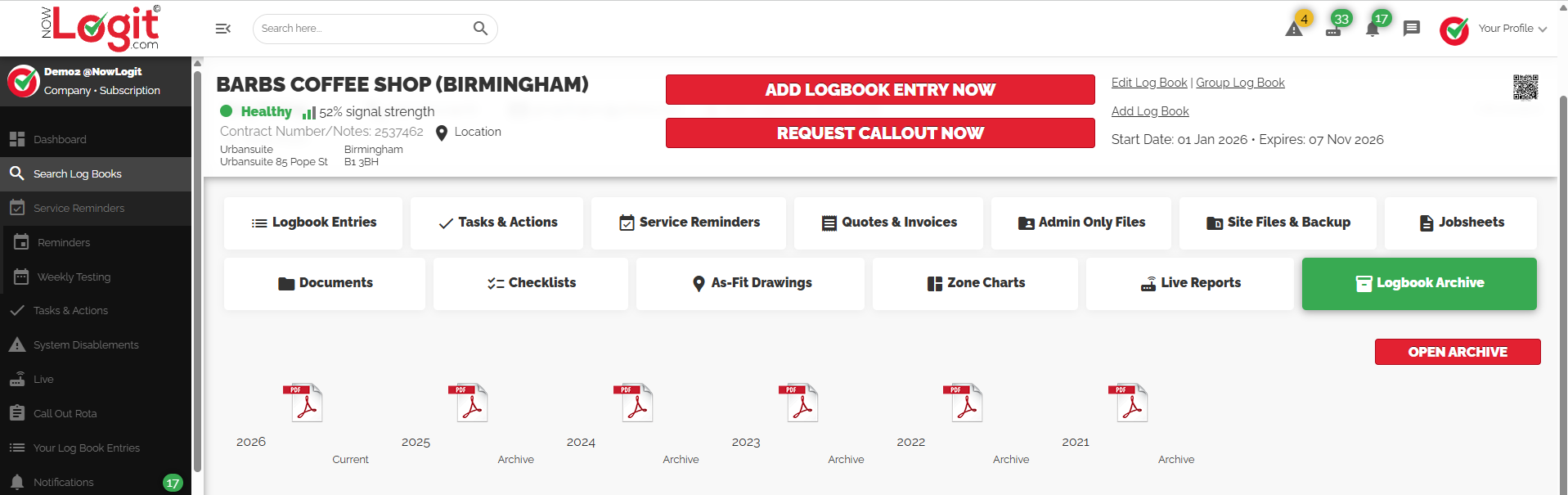
Use the Logbook Archive to download the current year and previous years as PDFs. Keep a record for reference, review or handover without searching through separate paper books.
Actual V1 archive. Select the image to view the complete screenshot.
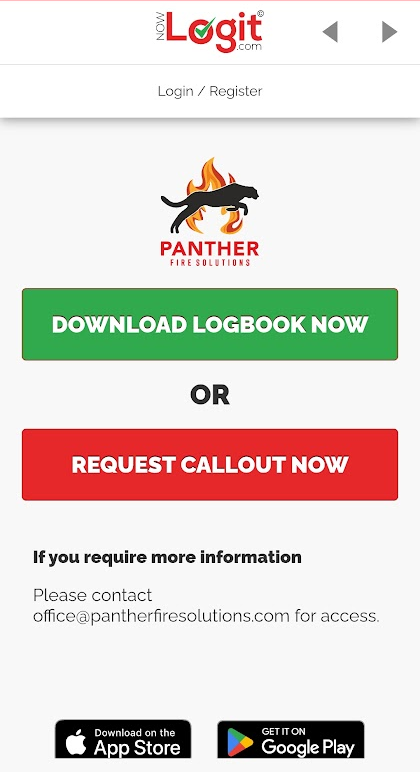
A real QR landing-page example.
YOUR LOGBOOK. YOUR CHOICE.
Enable public PDF download with a simple tick-box in the logbook settings. Anyone scanning that QR sticker with a smart device can then download the current year’s PDF logbook, without signing into the app.
The QR page also connects visitors to the logbook owner, with their branding and contact details.
The logbook owner chooses whether to make the current year available.
A smart device opens the owner’s logbook page.
Read the current year’s record without an app login.
Public download is optional and applies to the current year’s PDF. It is not a login to the full account. Review the PDF contents before making them publicly available.
Set service reminders and review what is coming up or needs attention.
Use the app on site and the desktop view in the office. An internet connection is required for current V1 workflows.
Get help importing site information. Custom QR sticker design and print are included with your £5 + VAT annual logbook.
LET'S PUT IT INTO PRACTICE
See the desktop and mobile experience using the workflows that matter to your team.